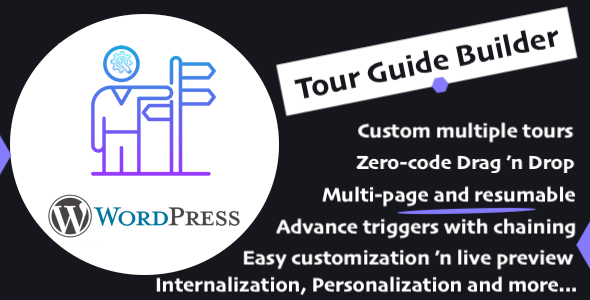

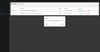
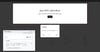
WordPress Product Tour & User Onboarding Plugin – Interactive Walkthrough Builder
Create interactive product tours, user onboarding guides, and step-by-step walkthroughs in WordPress without writing code. Help users understand your website, SaaS application, membership platform, LMS, WooCommerce store, or WordPress-powered application with engaging, personalized tours.
The WordPress Product Tour & User Onboarding Plugin lets you visually create guided experiences that highlight features, explain workflows, train users, and improve product adoption—all directly from your WordPress dashboard.
What Can You Build?
Create interactive WordPress tours for almost any user journey, including:
- User onboarding tours for new customers, members, and users.
- Product tours that introduce important features and functionality.
- Interactive walkthroughs that guide users through complex workflows.
- Feature announcement tours for new functionality and updates.
- Training guides for employees, clients, students, and customers.
- SaaS onboarding experiences for WordPress-based applications and platforms.
- Admin dashboard guides that help users learn how to use your WordPress website.
Key Features
- Zero-Code Tour Builder
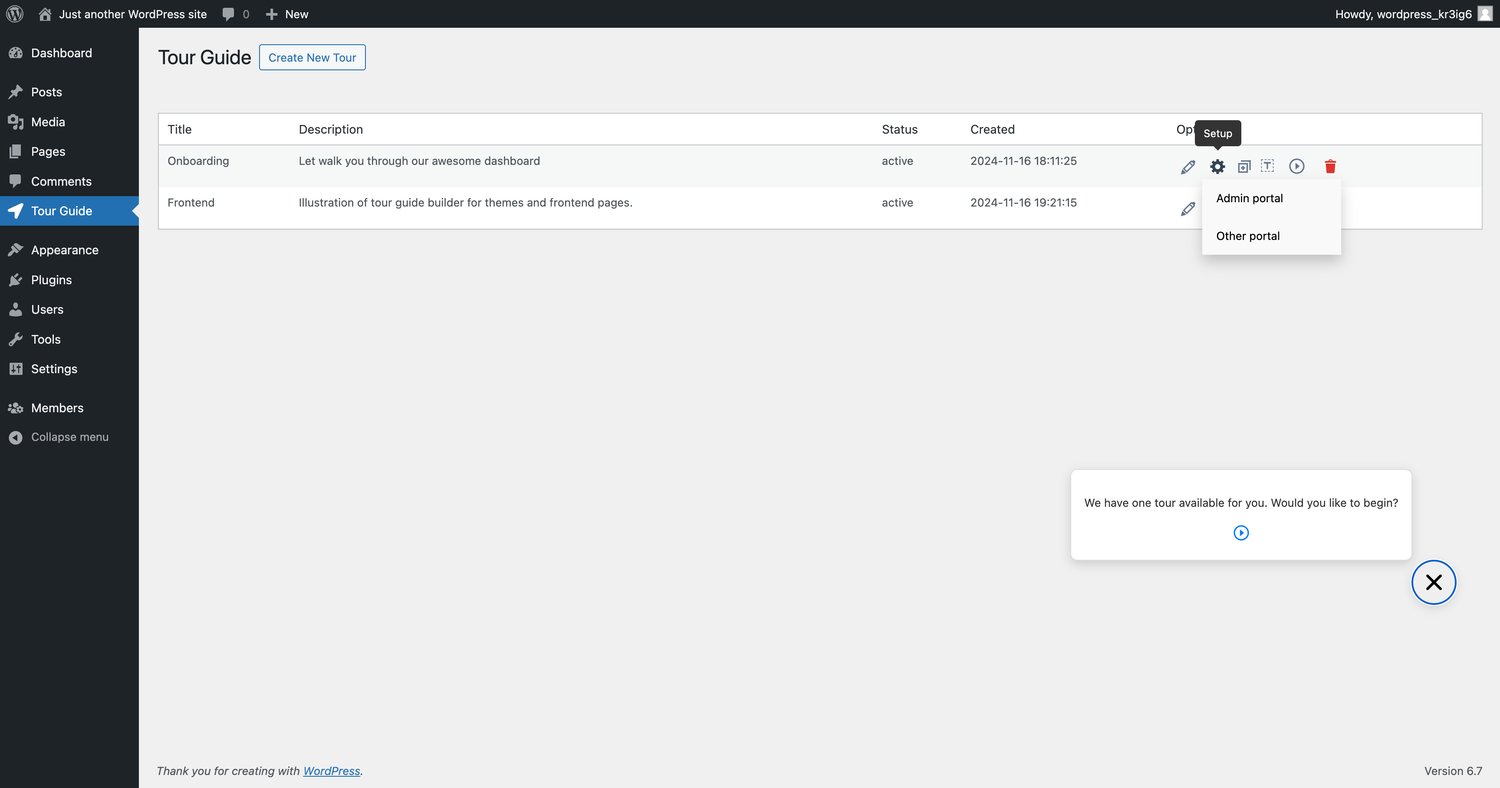
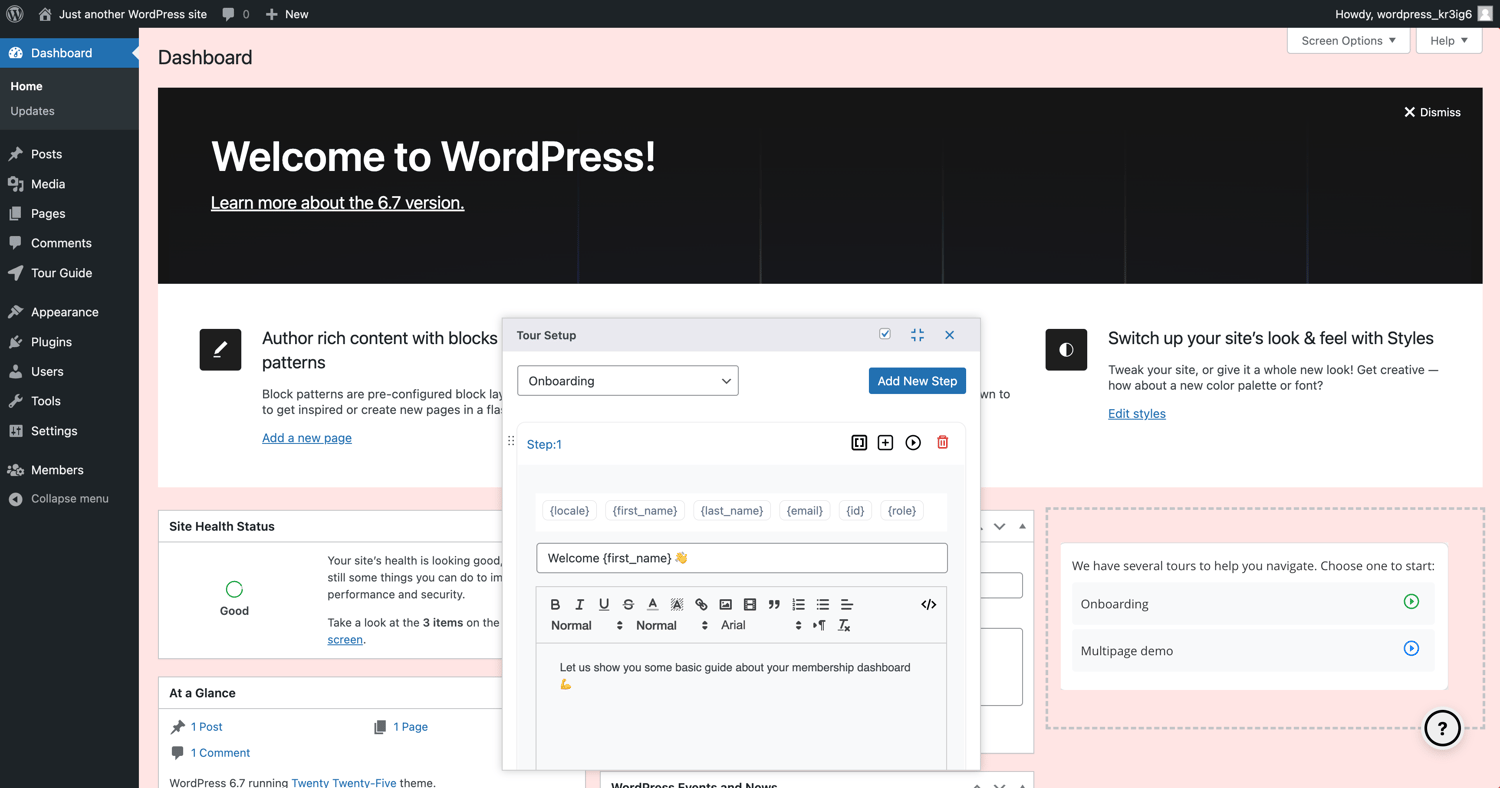
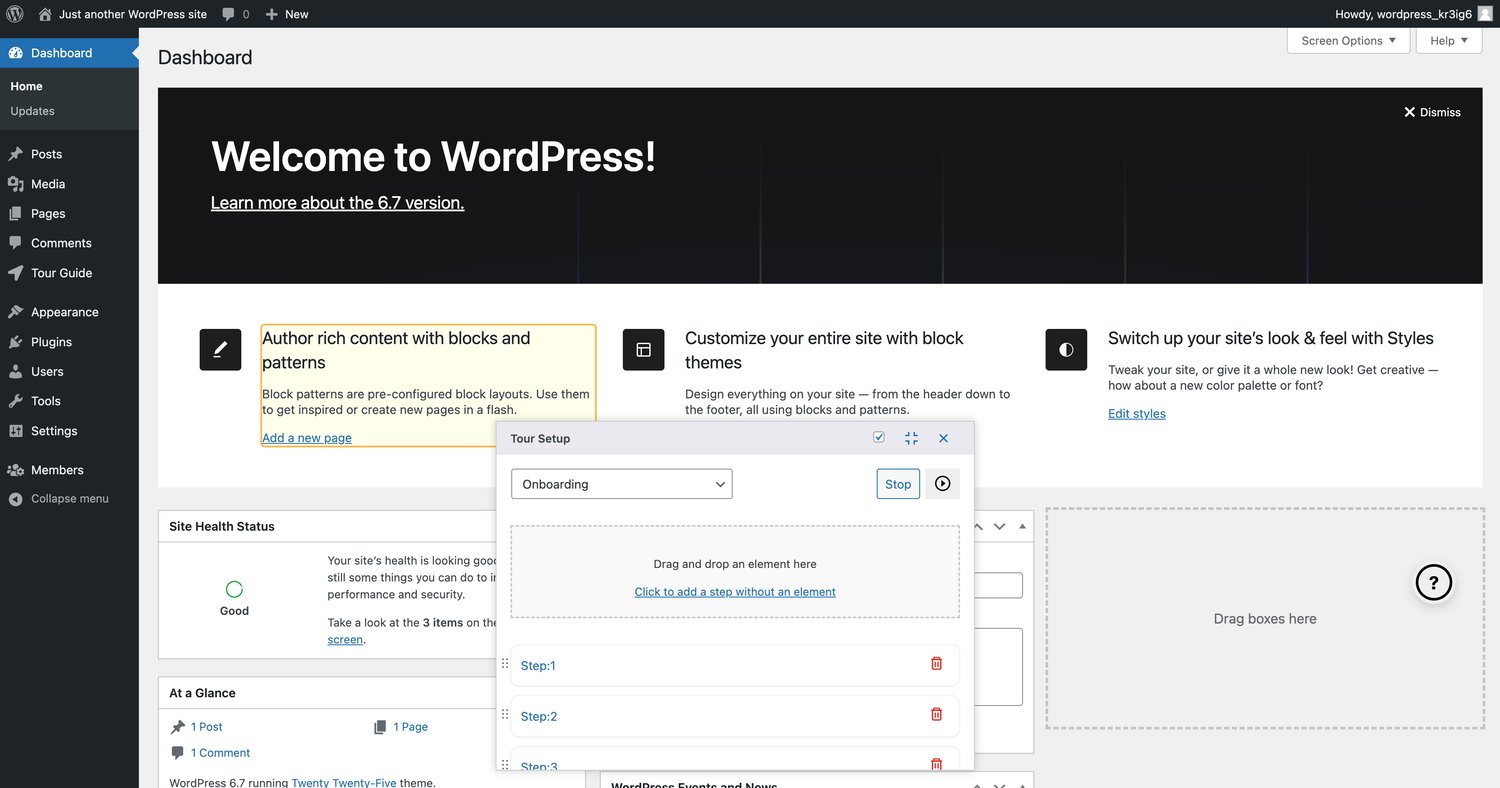
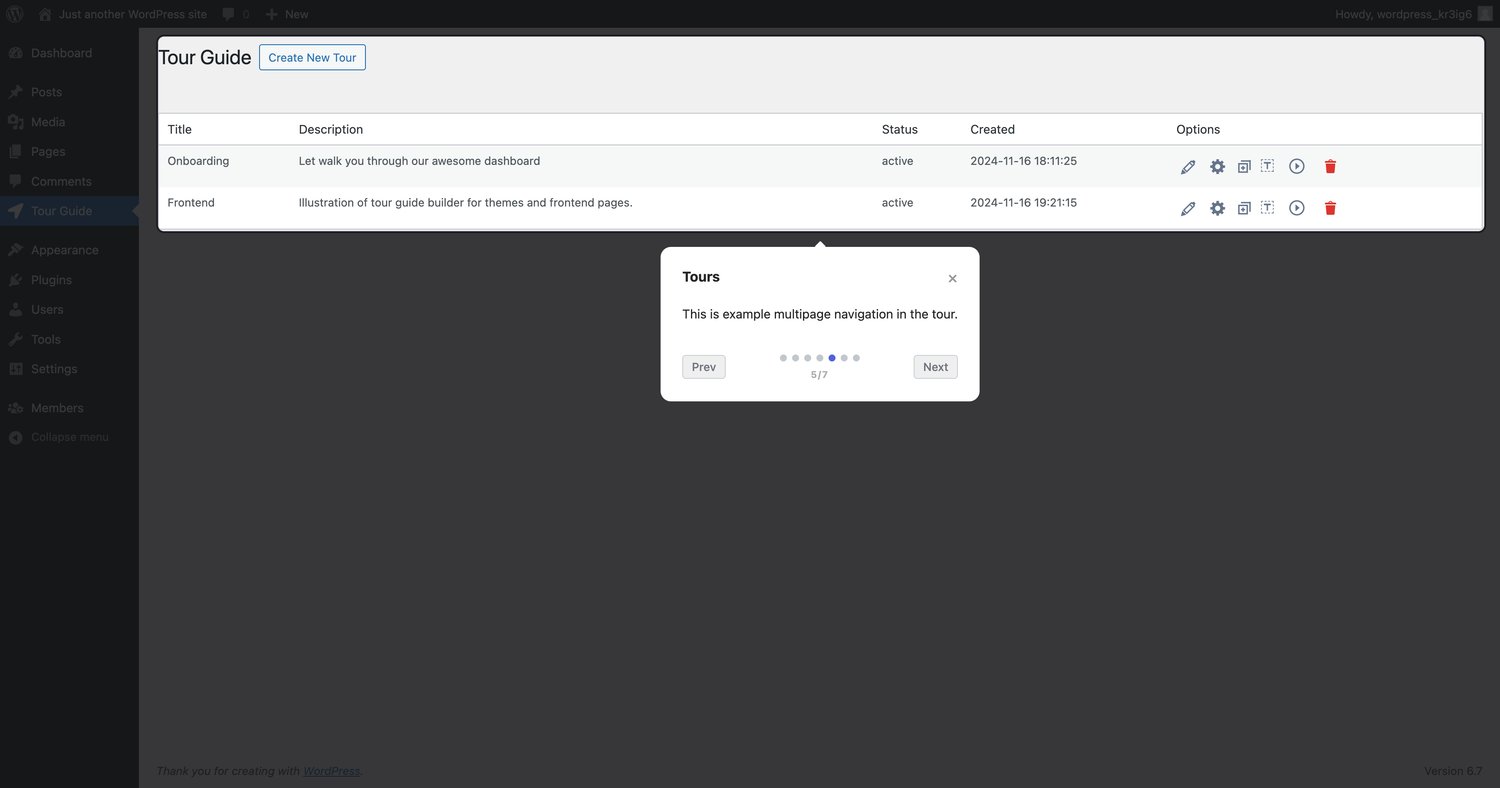
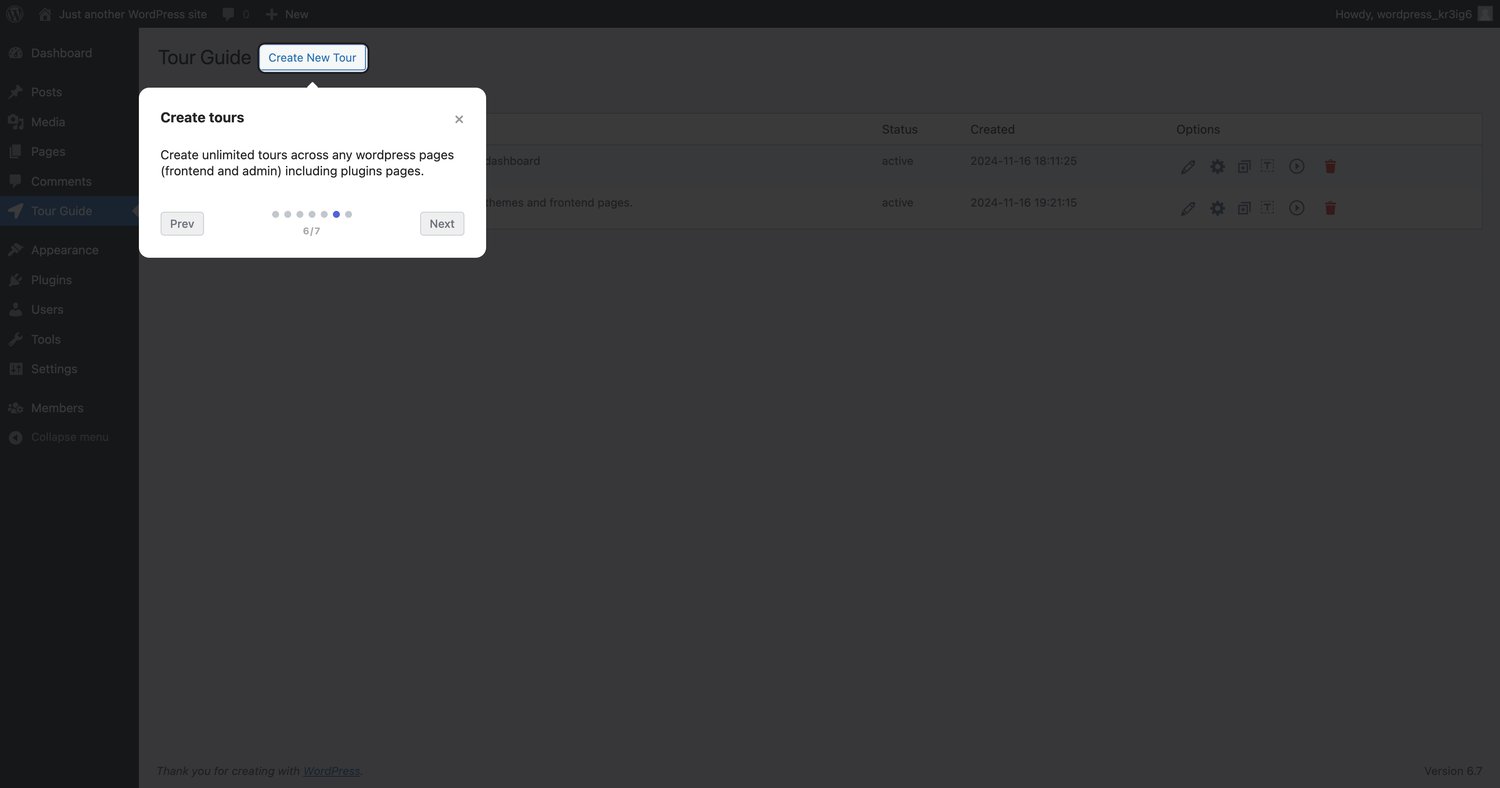
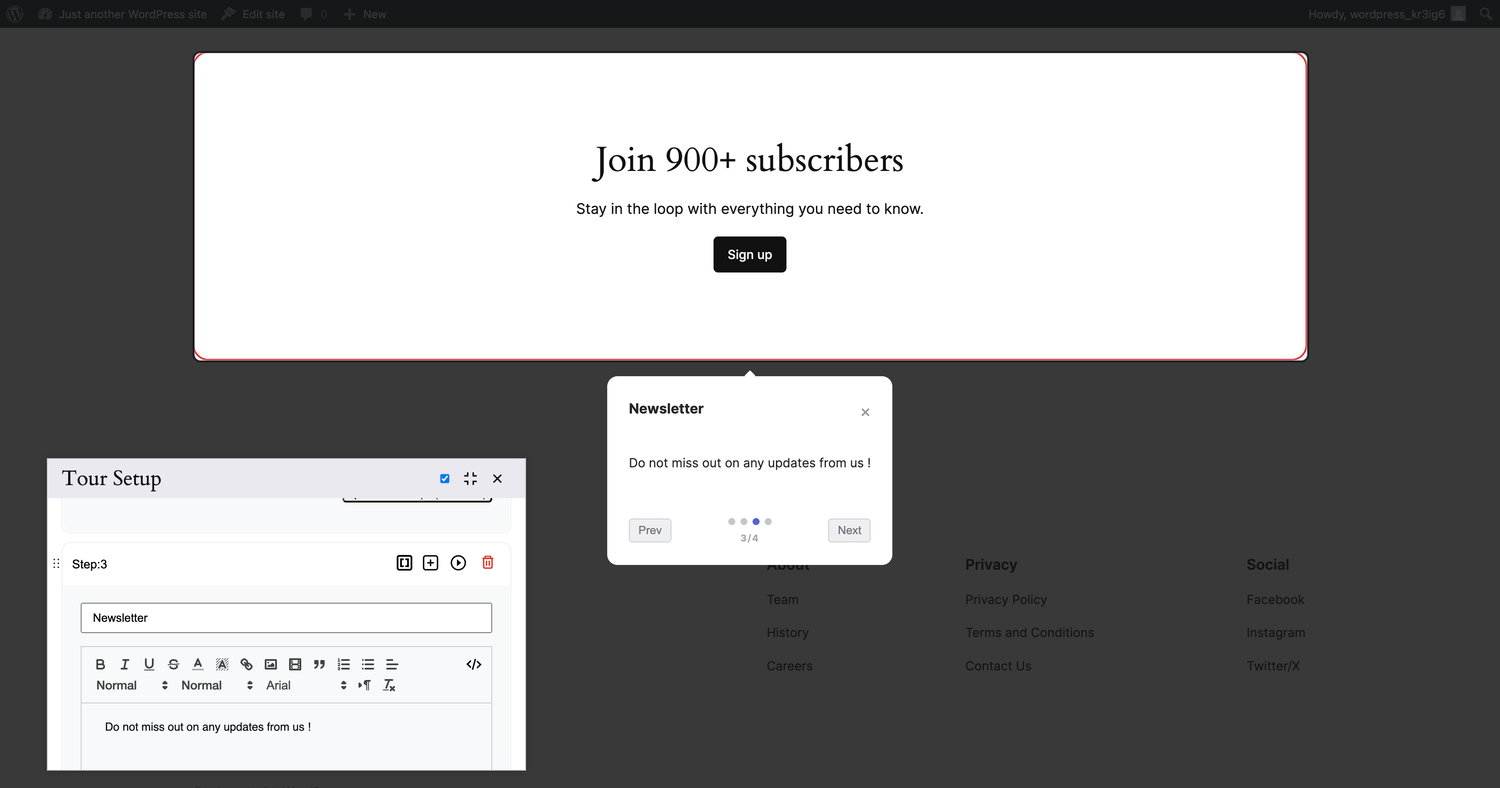
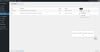
- Create interactive tours and walkthroughs directly from WordPress without coding. Use the visual drag-and-drop interface to build and manage your tours.
- ```
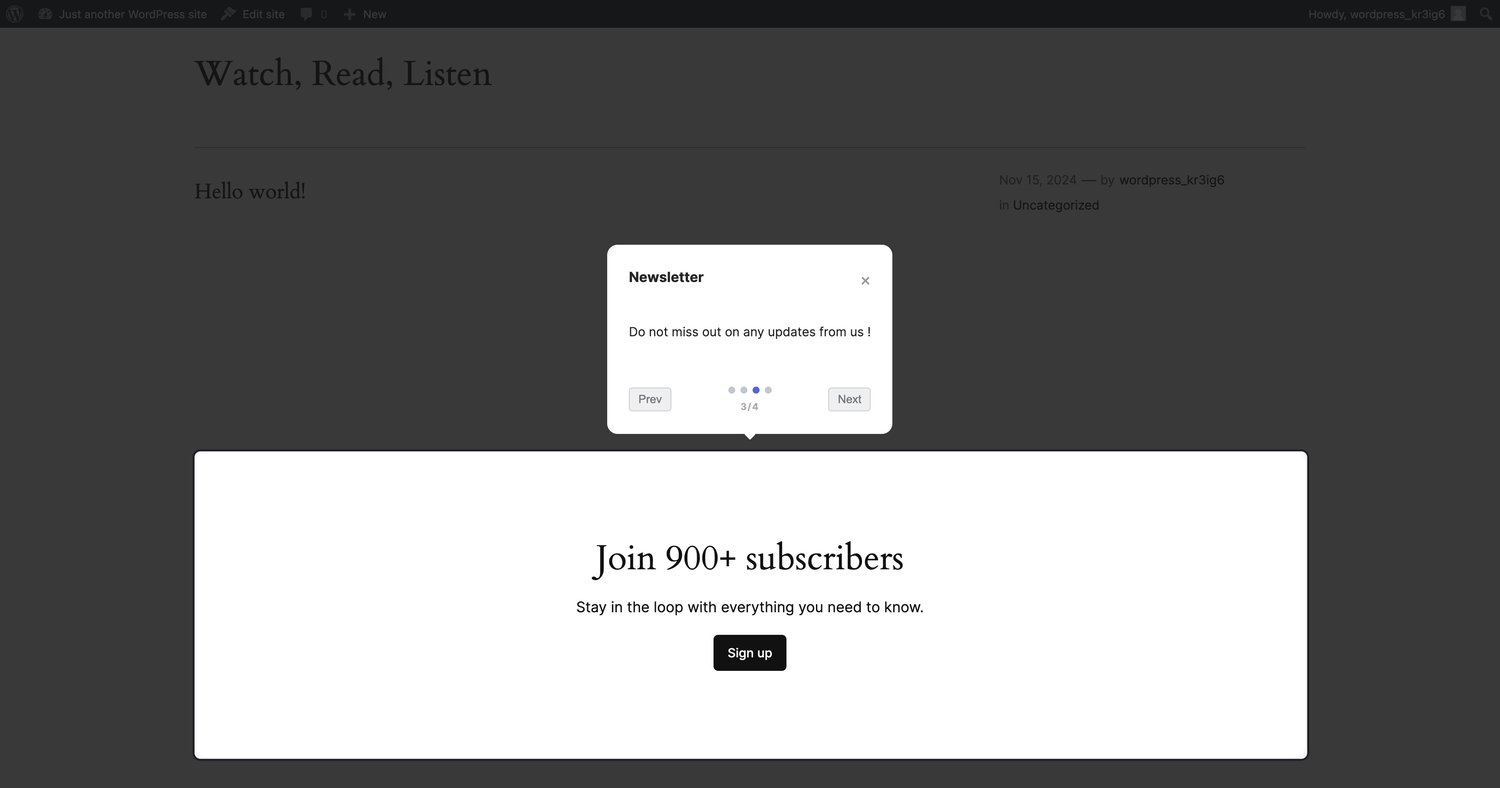
- Multi-Page WordPress Tours
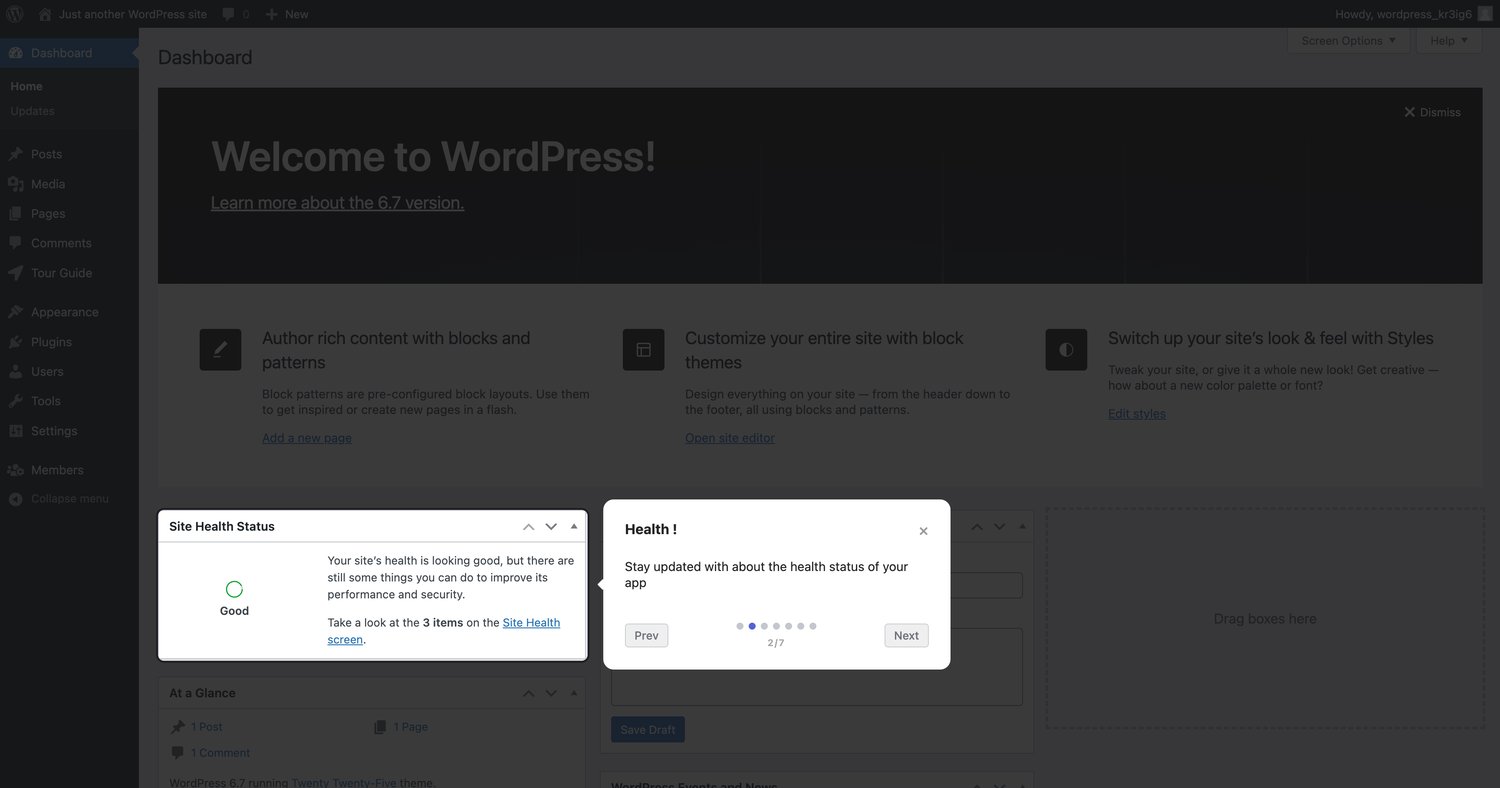
- Guide users across multiple pages of your website. Create complete workflows that continue from one page to another.
- Advanced Tour Triggers
- Control exactly when and where a tour appears using conditions such as user roles, page URLs, browser language, operating system, referrer, and other targeting conditions.
- User Role Targeting
- Display different onboarding experiences for administrators, editors, subscribers, customers, members, or other WordPress user roles.
- Tour Chaining
- Create structured onboarding and learning paths by connecting multiple tours together. Users can progress from one tour to the next as they complete each step.
- Drag-and-Drop Step Reordering
- Easily rearrange tour steps to create the ideal user experience and workflow.
- Personalized User Onboarding
- Use dynamic information such as the user’s name, role, or custom fields to create more personalized onboarding experiences.
- Localization & Translation
- Create localized tours for multilingual websites and provide users with onboarding experiences in their preferred language.
- Customizable Tour Design
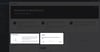
- Customize tooltip content, styles, positioning, and other visual elements to match your website or brand.
- Global Tour Replay Widget
- Give users an easy way to access and replay available tours through a convenient floating widget.
- Auto-Save
- Automatically save your tour configuration while you build and edit your walkthroughs.
- ```
Perfect for WordPress Websites, SaaS & Online Platforms
This plugin is designed for businesses, developers, agencies, and WordPress site owners who need better user onboarding and interactive guidance.
- WordPress SaaS applications
- Membership websites
- Learning management systems (LMS)
- WooCommerce stores
- Customer portals
- Client dashboards
- WordPress plugins
- Web applications built with WordPress
- Online courses and training platforms
- Internal company dashboards
- Agencies building WordPress websites for clients
Why Use a WordPress Product Tour Plugin?
- Improve User Onboarding
- Help new users understand your website and start using important features faster.
- ```
- Increase Feature Adoption
- Highlight important features and guide users through functionality they may otherwise overlook.
- Reduce Training Time
- Replace repetitive explanations with reusable interactive walkthroughs that users can follow at their own pace.
- Reduce Support Requests
- Provide contextual guidance directly inside your website so users can learn how to complete common tasks themselves.
- Create Better User Experiences
- Turn complicated interfaces and workflows into simple, step-by-step experiences.
- Personalize the Experience
- Show relevant tours based on user roles, pages, browser information, and user-specific data.
- ```
Build Interactive WordPress Walkthroughs Without Coding
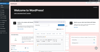
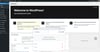
You don’t need to be a developer or modify your theme to create useful onboarding experiences. Build your tours from the WordPress dashboard, configure when they should appear, customize their appearance, and let your users follow the guided experience.
Whether you need a simple WordPress user onboarding tour or a multi-step walkthrough covering an entire workflow, the plugin gives you the tools to create it without writing code.
Requirements
- WordPress: 6.5 or higher
- PHP: 8.0 or higher
- Admin Access: WordPress administrator access is required for installation and tour management.
Documentation & Support
- Comprehensive documentation is provided for installation and usage.
- Support requests are answered as quickly as possible, typically within a few hours, although some requests may take up to a couple of days.
- Custom installation, configuration, development, and extension services are available as paid services.
- Because this is a downloadable digital software product, refunds are not provided after the item has been downloaded. Please review the features, requirements, documentation, and demo before purchasing.
Documentation
Live WordPress Demo
Try the plugin and see the WordPress product tour builder in action.
Demo Credentials:
- Email: admin@admin.com
- Password: password
Create Better WordPress Onboarding Experiences
Give your users the guidance they need with interactive product tours, onboarding walkthroughs, feature guides, and step-by-step tutorials—all without coding.
Build your first WordPress product tour today and make your website easier to understand, easier to use, and easier to navigate.
Changelog
Version 1.0.5 – 01/09/2025
- Added invalid view diagnostic logging.
Version 1.0.3 – 23/05/2025
- Added a manual global replay option, allowing a tour to be available anywhere for replay.
- Other minor fixes.
Version 1.0.2 – 12/03/2025
- Fixed completed tours automatically triggering unexpectedly.
- Re-added the Complete on Finish option to tour settings.
- Improved the tour builder and editor.
- Other minor fixes.
Version 1.0.0 – 17/11/2024
- Initial release with zero-code tour creation, drag-and-drop tour management, multi-page tours, advanced triggers, and more.